Skip to content
100% Offline — Your data never leaves
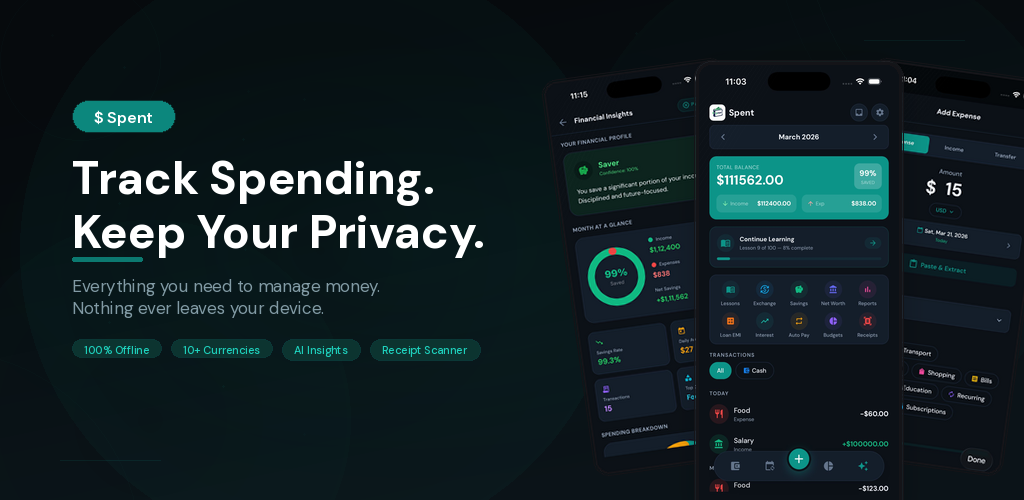
$ Spent

Track Spending.
Keep Your Privacy.

Track expenses, scan receipts, split trips, get AI insights,
and learn smart spending habits — all without your data ever leaving your device.

100% Offline No Ads Ever Free Forever 80+ Currencies AI Insights Receipt Scanner Trip Splitting 100 Lessons

100% Free · No Ads · No Account Required
Budget goals
Spending insights
Dashboard
Add expense
Receipt scanner
🔒 Privacy
100% Offline
💰 Savings
On Track
100% Private

No servers. No tracking. No data leaves your device. Ever.

Fast & Offline

Works without internet. Instant load. Zero lag. Always available.

No Ads. No Catch.

Every feature is free. No ads, no paywalls, no subscriptions. Seriously.

0 Countries
0+ Spending Lessons
0 Data Uploaded

Most expense apps track your data.

Some track you.

Spent tracks neither.

Designed for clarity.
Built for speed.

Spent: Track Spending, Keep Your Privacy — 100% Offline, 80+ Currencies, AI Insights, Receipt Scanner
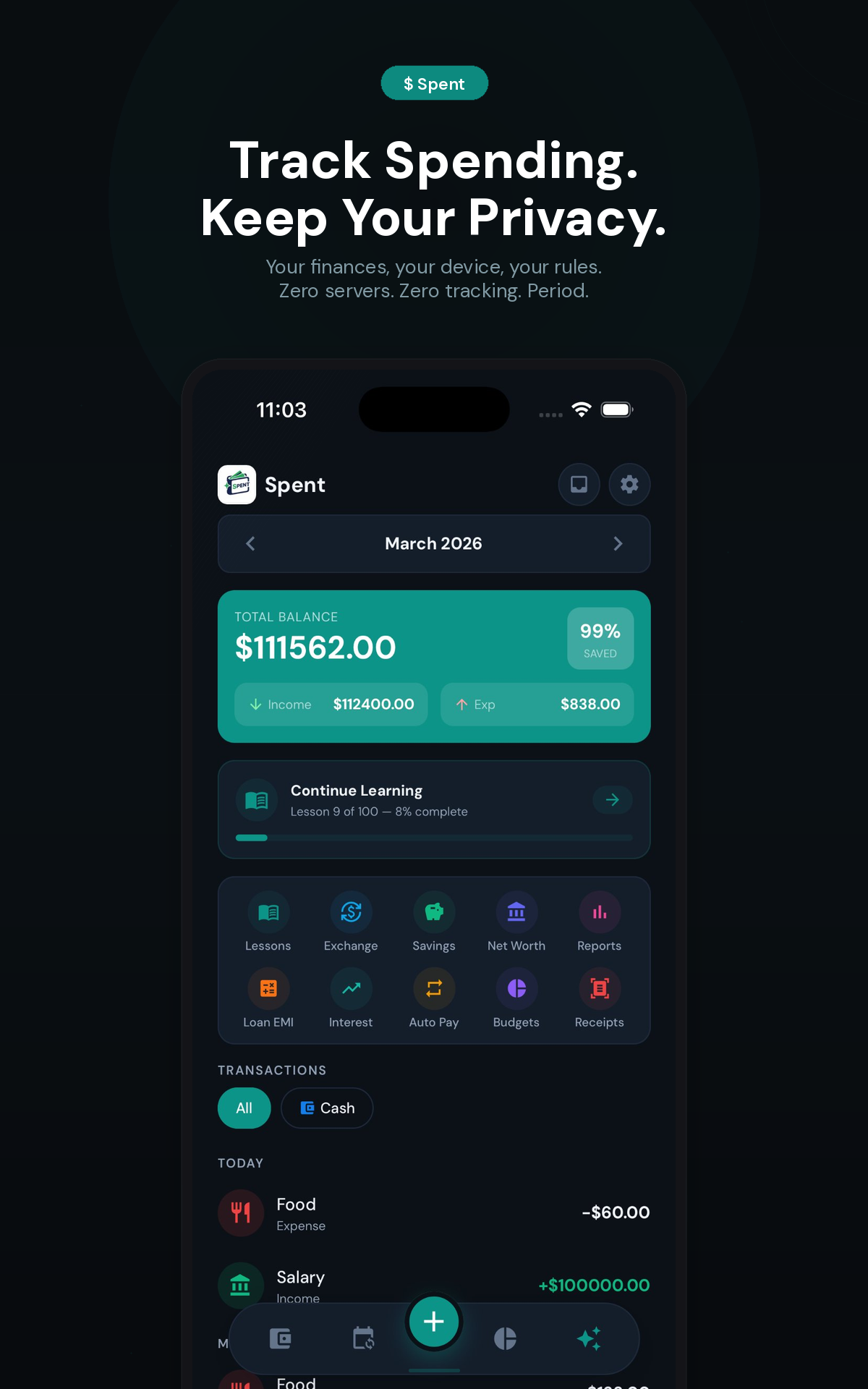
Dashboard with balance overview, transactions, and quick-access tools
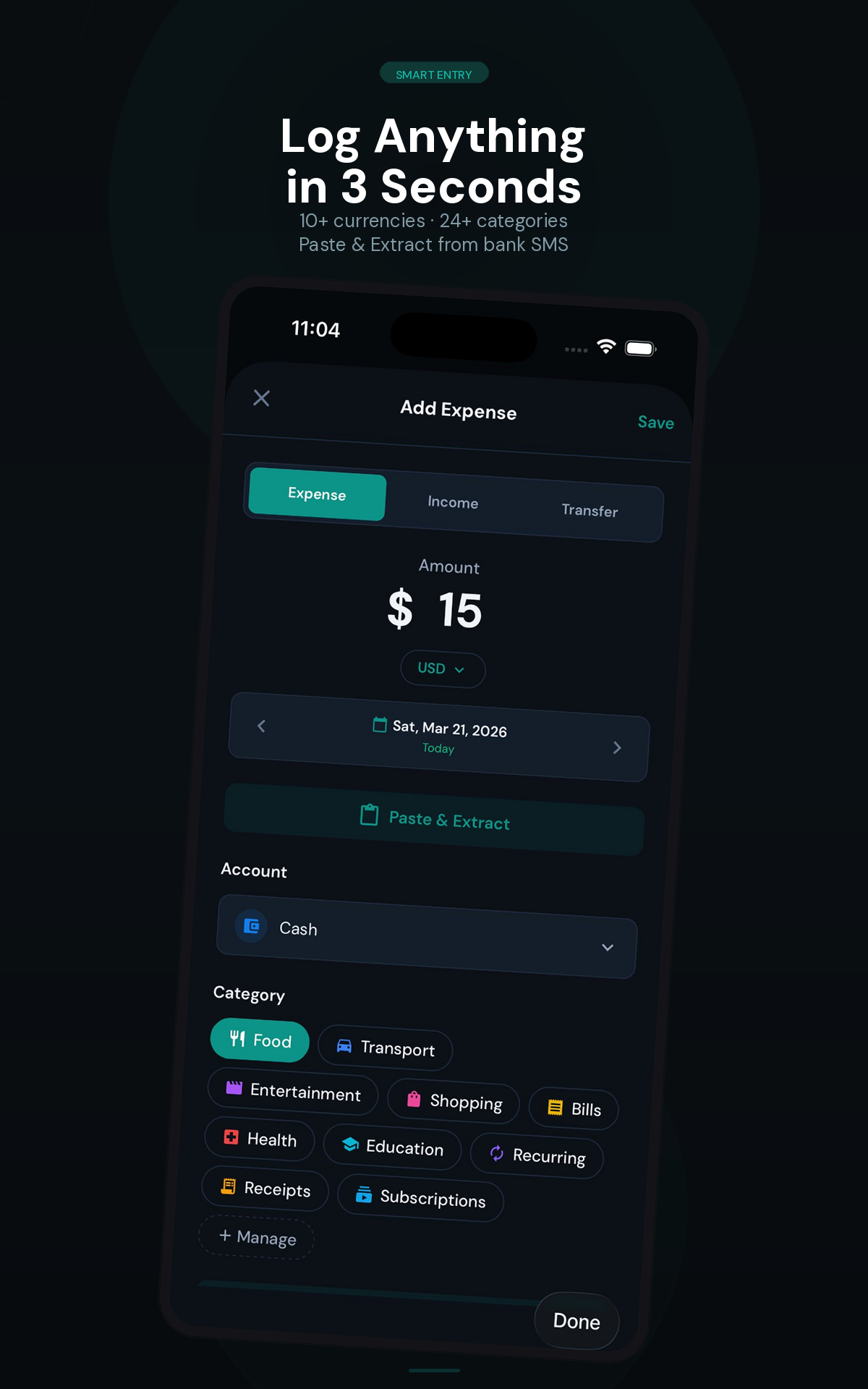
Add expense in 3 seconds with categories and paste-to-extract
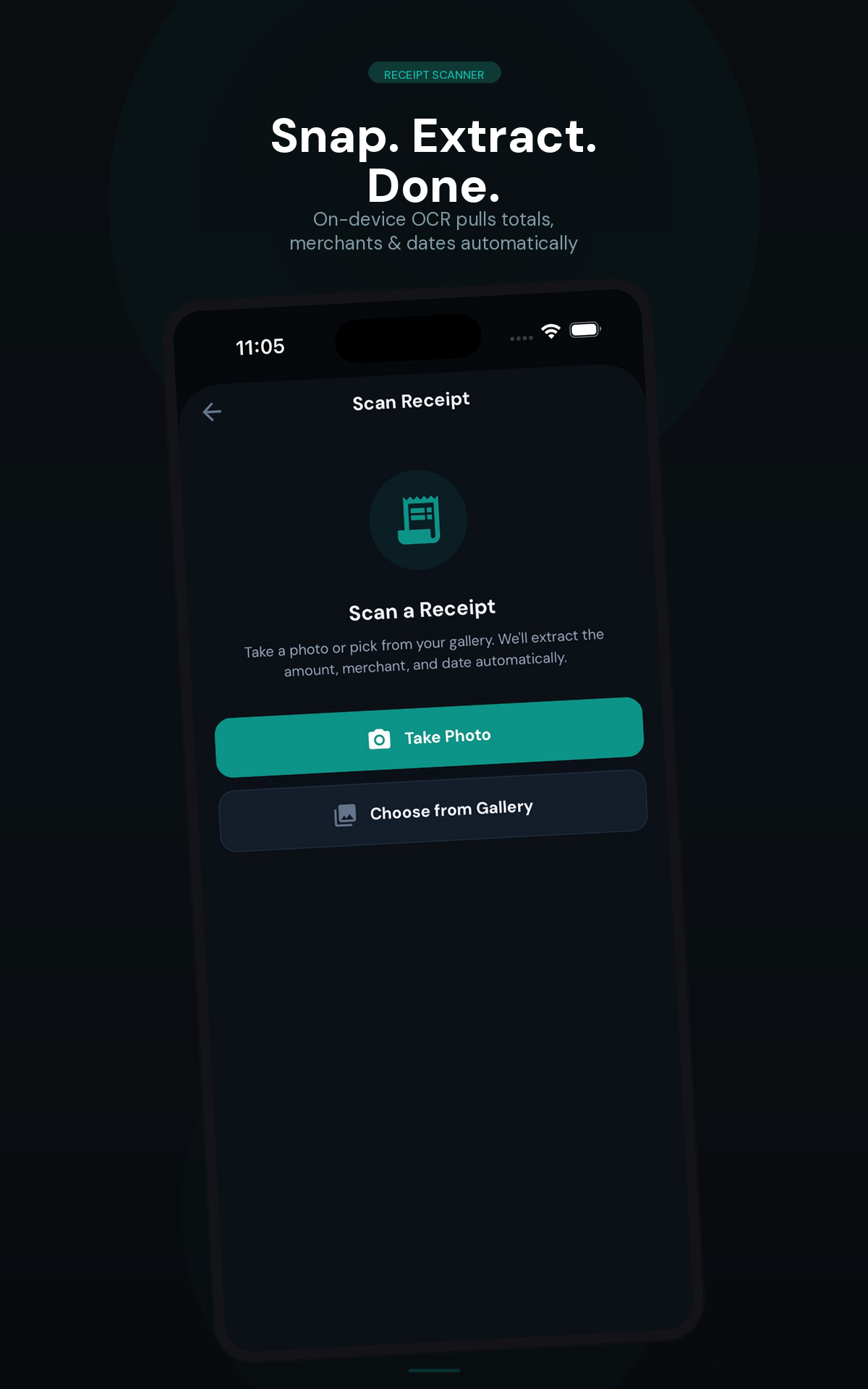
Receipt scanner with on-device OCR
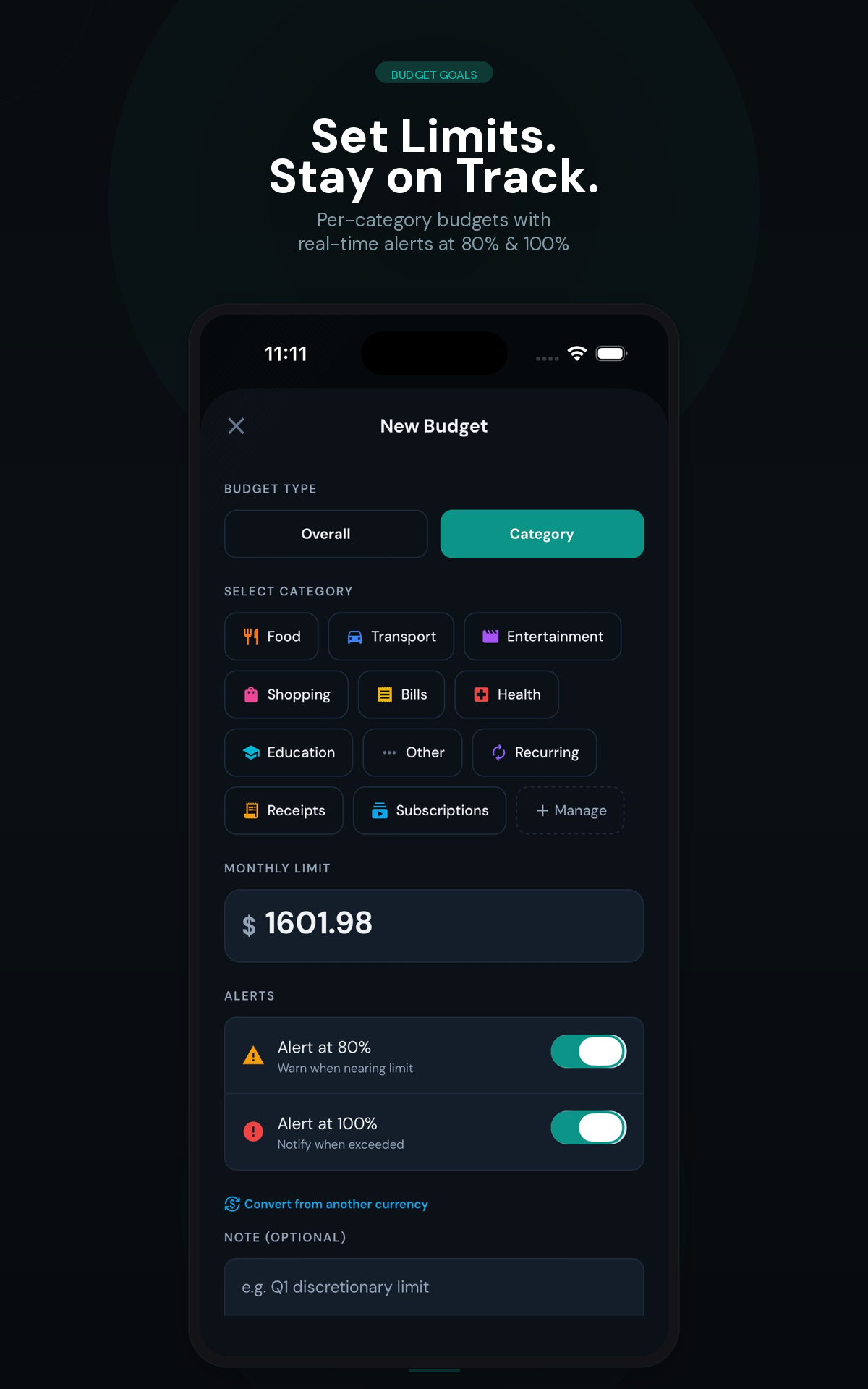
Budget goals with per-category limits and real-time alerts
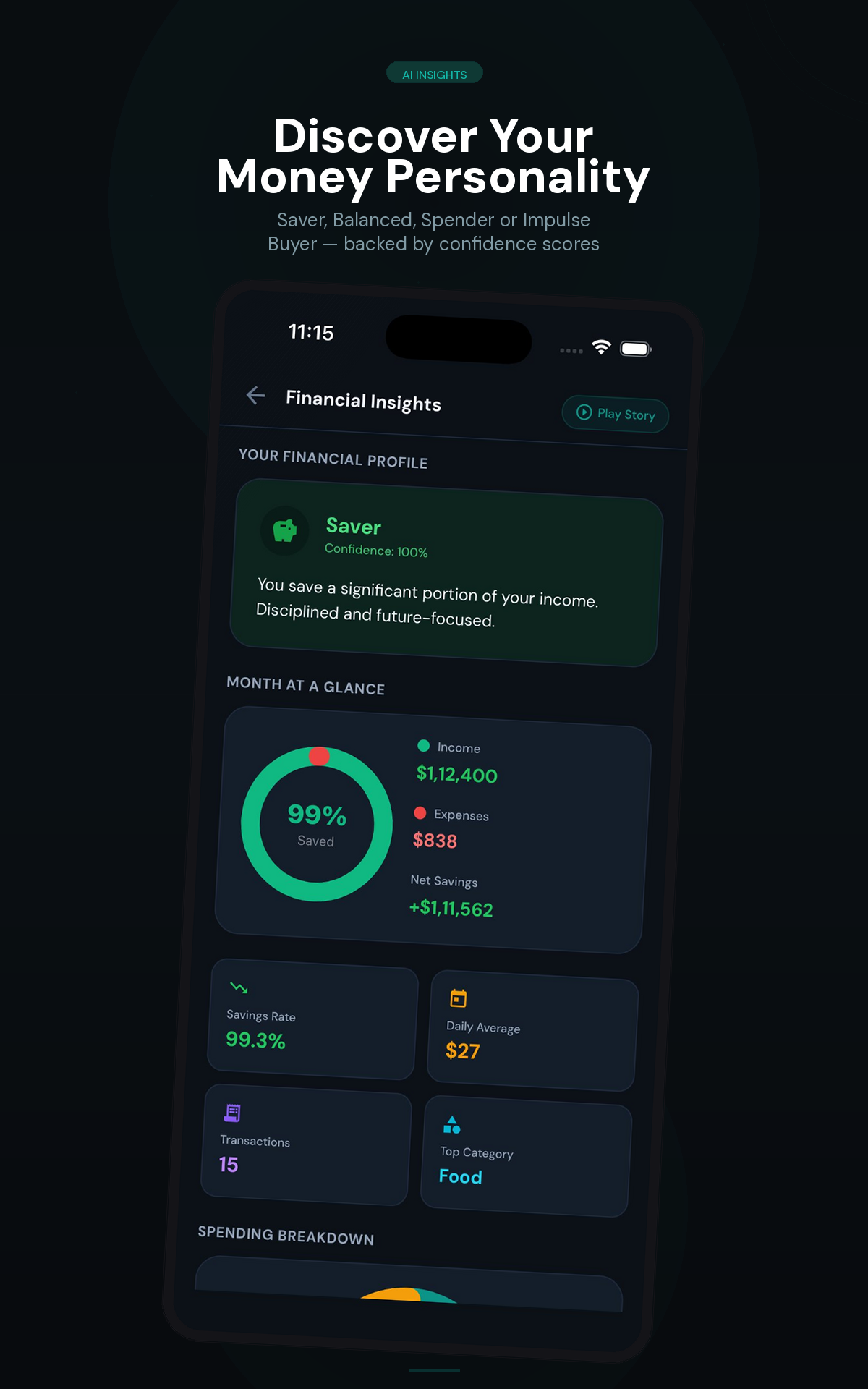
Spending insights with personality analysis and confidence scores
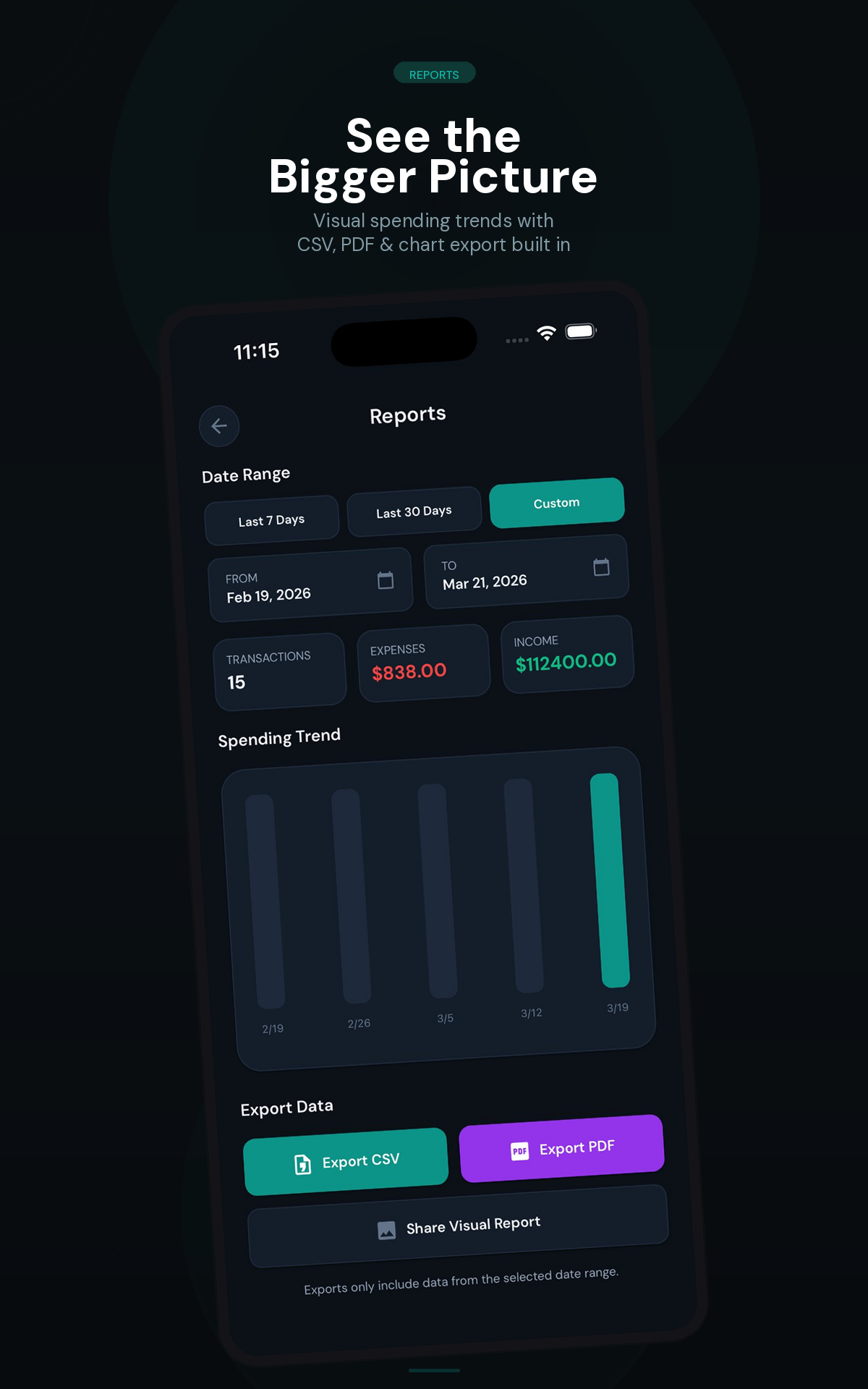
Reports with spending trends, CSV, PDF and chart export
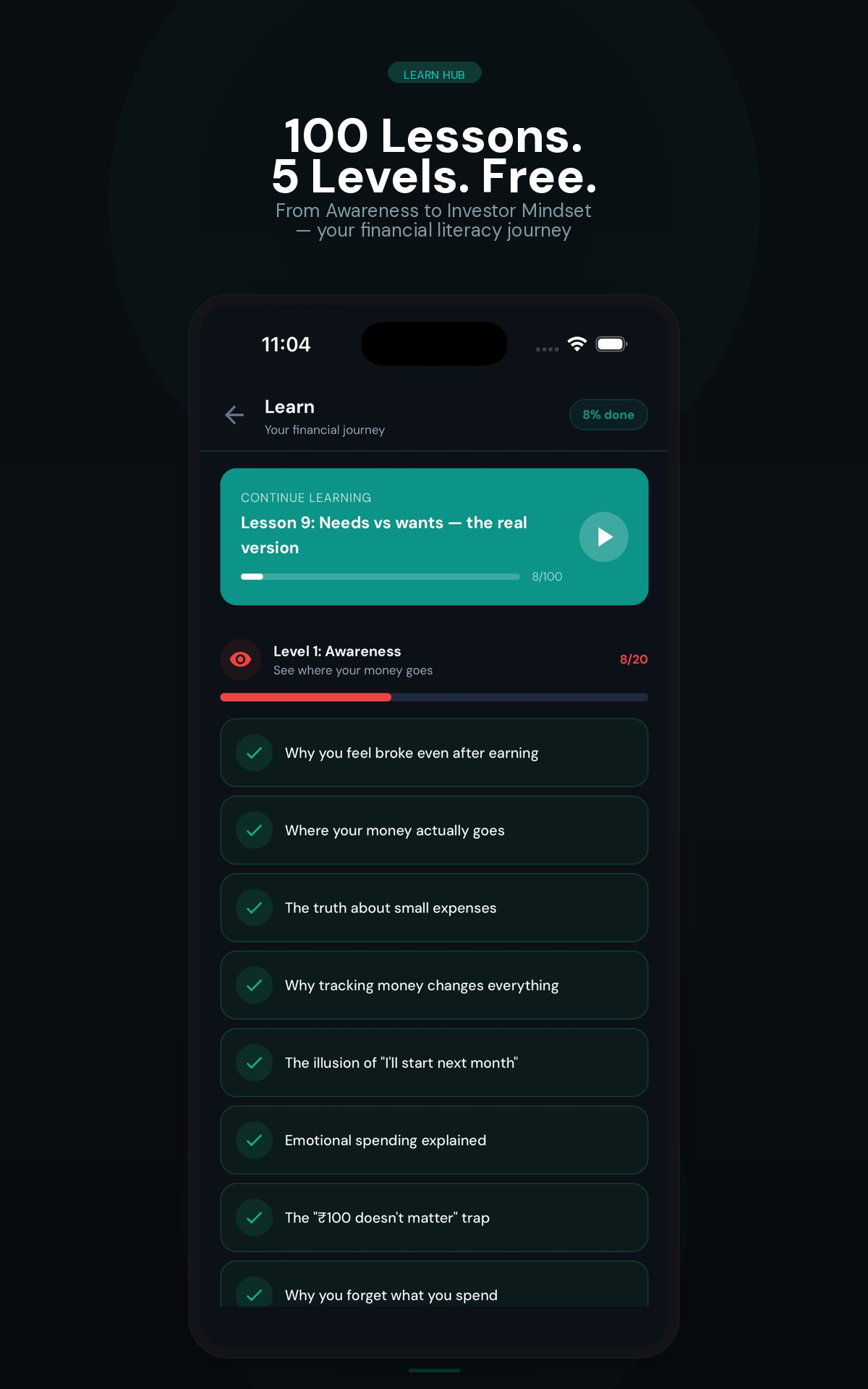
Learn Hub with 100 smart spending lessons across 5 levels
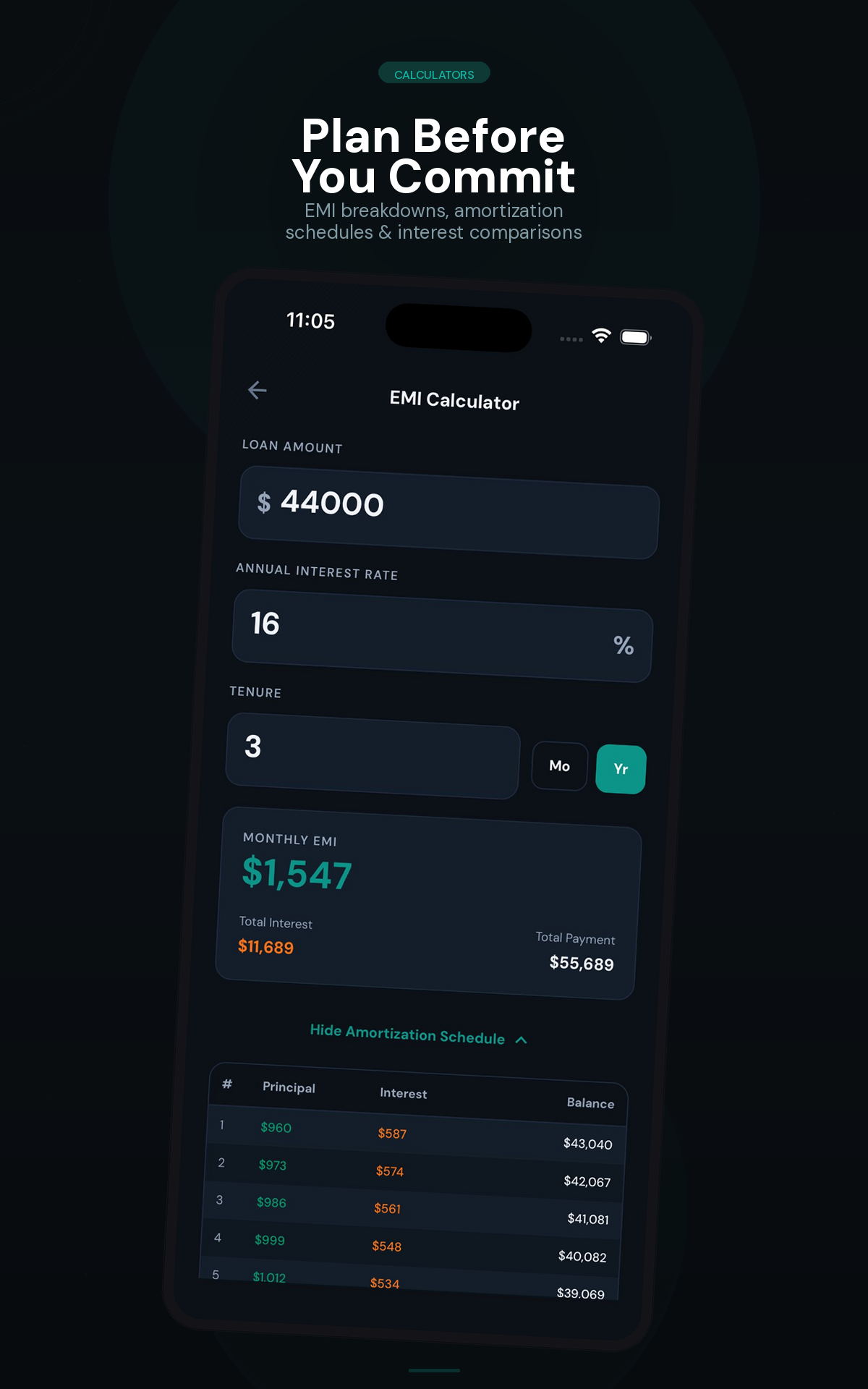
Installment Calculator with amortization schedule and breakdown

Everything you need.
Nothing you don't.

💰

Expense Tracking

Smart Transaction Entry
📚 Multi-Account Passbooks
🎯 Budget Goals & Alerts
📈 Reports & Export (CSV, PDF)
🔄 Recurring Transactions
🌱 Saving Goals
🔄 Subscription Tracker
🎨 Custom Categories & Icons
Quick Capture (Back Tap / Shortcut)
🧠

Smart Intelligence

💡 Spending Personality
🔍 Pattern Detection
🎞 Monthly Stories
📷 Receipt Scanner (OCR)
📋 Paste & Log Auto-Detect
💱 Currency Converter (80+)
🤖 Merchant Learning
🔔 Smart Notifications (5 types)
✈️

Trip Mode & Splitting

New
🌎 Create Trips with Budgets
👥 Add Members & Split Expenses
💲 Equal, Exact & Percentage Split
Smart Settle Up Algorithm
🔒

Privacy & Security

Our DNA
🛡 Offline SQLite Storage
Zero Data Upload
🛡 SHA-256 Duplicate Prevention
🔓 Biometric Lock
🌈 Light & Dark Theming
📷 On-Device OCR & AI
🎯 Guided Onboarding
📈

Learn & Calculate

🎓 Learn Hub (100 Lessons)
🧮 Installment Calculator
📊 Rate Calculator (Simple vs Compound)

See the difference.

Feature Spent Others
Data Tracking None Yes
Works Offline Always Rarely
Cloud Required Never Always
Account / Login Not needed Required
AI Insights On-device Cloud-based
Receipt Scanning On-device OCR Cloud upload
Trip Splitting Built-in Separate app
Quick Capture Back Tap & Shortcuts No
Currencies 80+ currencies 5-10 typical
Spending Lessons 100 lessons No
Paste & Log Clipboard extraction No
Advertisements None. Ever. Banners & popups
Price 100% Free Free tier + paywall

Latest Updates

v4.0

100% Free & Ad-Free

Spent is now completely free with zero ads. All premium features unlocked for everyone. Support development with an optional tip if you love the app.

New

Trip Mode & Expense Splitting

Create trips, add members, split costs equally or by percentage, and settle up with smart debt simplification.

New

Learn Hub

100 bite-sized smart spending lessons across 5 progressive levels.

New

Paste & Log

Extract transactions from copied bank SMS, UPI confirmations, or payment receipts — all processed locally on-device.

New

Saving Goals

Set personal targets, log contributions, and track progress with visual progress bars and projected completion pace.

New

Merchant Learning

Auto-categorizes transactions by learning from your choices. "SWIGGY INDIA" becomes "Swiggy" under Food.

New

Quick Capture

Log expenses in seconds via Back Tap (iOS) or app icon shortcuts — without opening the full app.

New

Guided Onboarding

3-step setup with feature showcase, region configuration, and automation toggles for new users.

Improved

AI-Powered Insights

Spending personality, pattern detection, and monthly animated stories.

Common questions.

Is Spent really free?
Yes, 100% free. No ads, no paywalls, no subscriptions. Every feature is available to every user. If you love the app, there's an optional "Buy Me a Coffee" tip — but nothing is locked behind it.
What happens if I delete the app?
Since all data is stored locally on your device, uninstalling the app will permanently delete your data. We recommend exporting your transactions as CSV or PDF from Settings before uninstalling.
Does Spent work offline?
Yes, 100%. Spent is fully offline — all your data is stored locally on your device and never uploaded to any server. The only network activity is for fetching currency exchange rates.
How does the AI work without internet?
All AI insights (spending personality, pattern detection, monthly stories) are powered by on-device algorithms. No data is sent to any server — the analysis happens entirely on your phone using your local transaction history.
Is my receipt data safe?
Absolutely. Receipt scanning uses on-device OCR (Google ML Kit). Your photos are processed locally, never uploaded, and are not stored permanently — only the extracted transaction details are saved after you approve them.

Free. Private. No strings attached.

No ads. No paywalls. No data collection. Just a great expense tracker.